
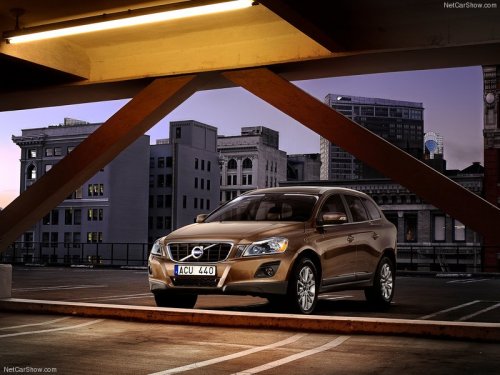
Volvo XC60
Volvo XC60
See also:
12-volt sockets
12-volt socket in the front tunnel console
12-volt socket in the rear center console
The electrical sockets can be used for 12-volt
accessories such as cell phone chargers and
coolers. For t ...
Removing the key blade
Slide the spring loaded
catch to the side.
Pull the key blade straight
out of the remote key. ...
Keyless locking and unlocking
Range of the keyless drive remote key–5 ft (1.5
meters)
This system makes it possible to unlock and
lock the vehicle without having to press any
buttons on the Personal Car Communicators
(P ...