
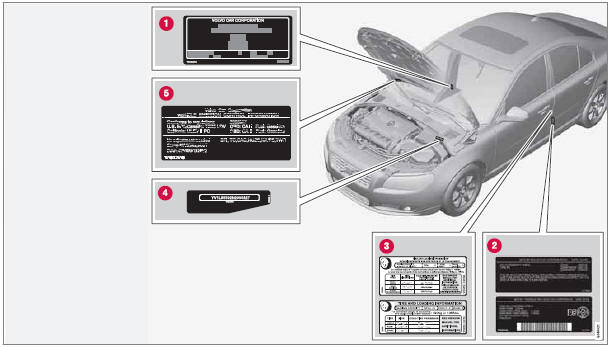
Location of labels

See also:
Radio text
The text that is displayed about the song currently
playing can be changed. Use the AUTO
button to switch between Artist, Title, Composer,
or to switch radio text off, or use the
menu to display a ...
Getting started
Voice control button on the steering wheel ...
Child safety locks
Child safety locks – rear doors
The controls are located on the rear door jambs. Use the remote control's key
blade or a screwdriver to adjust these controls.
A The rear doors can only be op ...