
Activation

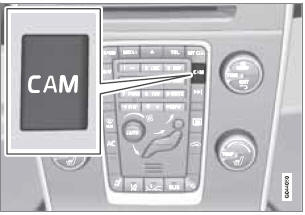
PAC is activated when the gear selector is moved to R if the system is selected in the MY CAR menu system or by pressing the CAM button in the center console. See page 133 for a description of the menu system.
If the Volvo Navigation System (VNS) is in use, PAC will automatically override the navigation system to show the camera's image on the screen instead of navigation information, for as long as reverse gear is selected.
See also:
Overview
Center console control panel
1 VOL: Volume control
2 MEDIA button
3 TUNE: Turn to navigate among menu alternatives
and folders shown in the display.
4 OK/MENU: Press to confirm your selection ...
Vehicle loading
Loads
Properly loading your vehicle will provide maximum
return of vehicle design performance.
Before loading your vehicle, familiarize yourself
with the following terms for determining your
v ...
Deposit control gasoline (detergent additives)
Volvo recommends the use of detergent gasoline
to control engine deposits. Detergent
gasoline is effective in keeping injectors and
intake valves clean. Consistent use of deposit
control gasol ...