
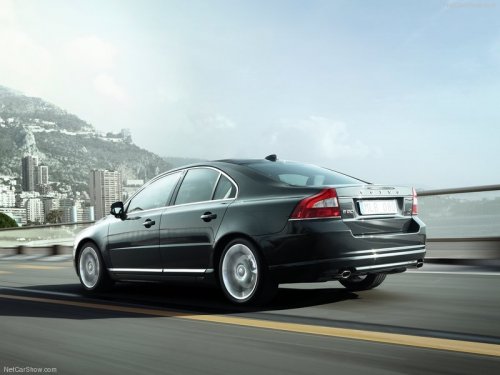
Volvo S80
Volvo S80
See also:
Heated washer nozzles
The washer nozzles are heated automatically
in cold weather to help prevent the washer fluid
from freezing. ...
Main view
Example of RADIO mode's main view
1 Modes (e.g., RADIO, MEDIA etc.), see the
following table.
2 Source menu, e.g., (FM1, DISC, etc.).
Press and hold EXIT on the steering wheel
keypad to displ ...
Cleaning the BLIS camera lenses
In order to function optimally, the BLIS camera
lenses must be kept clean. They can be wiped
clean with a soft cloth or wet sponge.
CAUTION
• Clean the lenses carefully to avoid
scratching.
...