
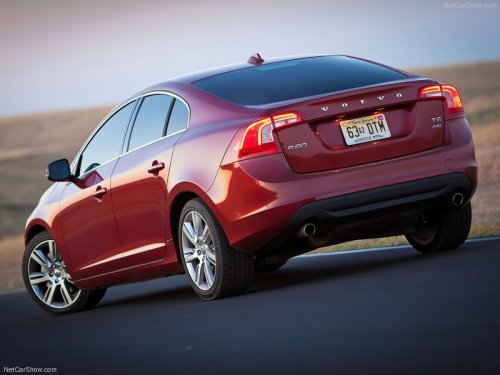
Volvo S60
Volvo S60
See also:
Steel cargo grid
Your vehicle can be equipped with a steel grid
that helps prevent objects in the cargo area
from moving forward into the passenger compartment. ...
Driving dynamics: engine
The second-generation, 2.4-litre, five-cylinder, diesel D5 is a cleaner and
more advanced version of the engine fitted to the outgoing XC70. It gives superb
performance (130mph) allied to fuel eco ...
Using an integrated booster cushion
Stage 1
1 Pull the handle (1) forward and upward (2)
to release the booster cushion.
2 Press the booster cushion rearward to lock
it in position.
Stage 2
1 With the booster cushion in ...