
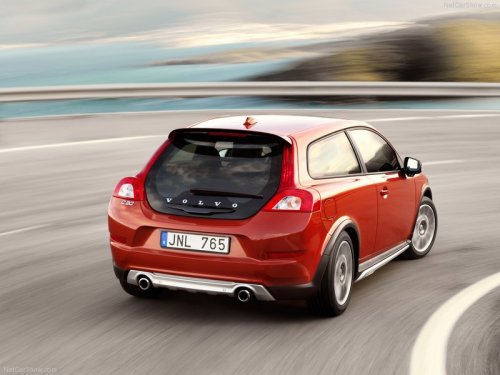
Volvo C30
Volvo C30
See also:
Main view
Example of RADIO mode's main view
1 - Modes (e.g., RADIO, MEDIA etc.), see the following table.
2 - Source menu, e.g., (FM1, DISC, etc.).
Press and hold EXIT on the steering wheel keypad to d ...
Scan
This function plays the first ten seconds of
each track/audio file. To start scanning:
1. Press OK/MENU.
2. Turn TUNE to Scan.
> The first ten seconds of each track/
audio file will be playe ...
Radio text
Some stations transmit information on program
content, artists, etc. This information can
be shown on the display.
Activate/deactivate in FM mode under Show
radio text. ...