
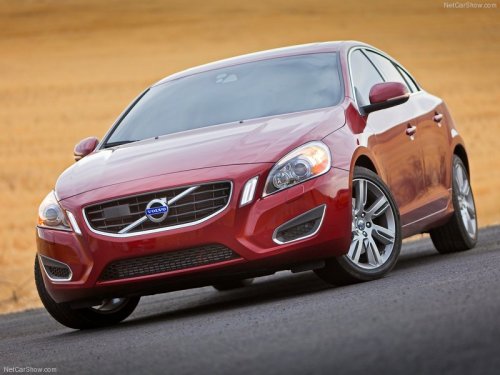
Volvo S60
Volvo S60
See also:
Limitations
Distance Alert uses the same radar sensor used by Adaptive Cruise Control and
the Collision Warning system. See page 160 for more information on the radar sensor’s
limitations.
NOTE
Strong ...
Warning light—driver braking required
Adaptive Cruise Control can exert brake force that is equivalent to approximately
40% of the vehicle's total braking capacity. In situations requiring more brake
force than ACC can provide and ...
Inflation placard
Tire inflation placard ...