
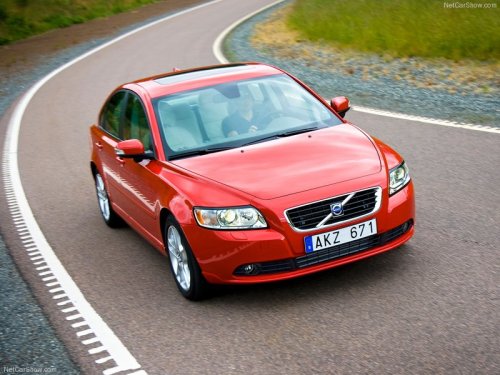
Volvo S40
Volvo S40
See also:
Replacing batteries in the headphones
The headphones use two AAA batteries.
It is advisable to have extra batteries on hand
during long trips.
Battery cover and retaining screw
1. Unscrew the retaining screw and remove
the batter ...
Brake lights
The brake lights come on automatically when
the brakes are applied.
Adaptive brake lights
The adaptive brake lights activate in the event
of sudden braking or if the ABS system is activated.
Th ...
Inflating tires
The tire sealing system can be used to inflate
the tires. To do so:
1. Park the car in a safe place.
2. The compressor should be switched off.
Ensure that the on/off switch is in position
0 (th ...