
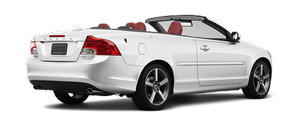
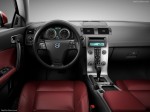
Gallery

|

|
|

|

|
|
See also:
Buttons in the center console
...
Equalizer
Equalizer FR
EQ – FRONT (certain audio systems)
This function is used to fine-tune the sound
from the front speakers.
1. Select AUDIO SETTINGS in the menu and
press ENTER.
2. Select Equalizer ...
Keyless locking and unlocking
Range of the keyless drive remote key–5 ft (1.5
meters)
This system makes it possible to unlock and
lock the vehicle without having to press any
buttons on the Personal Car Communicators
(P ...