
Symbols in the main instrument panel

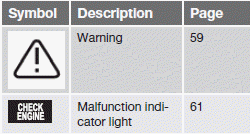
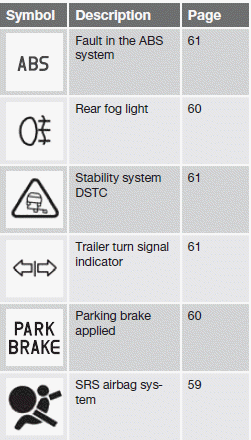
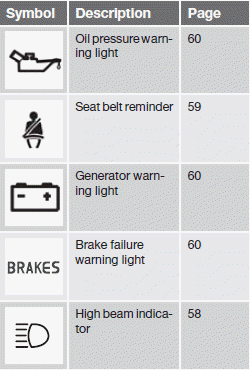
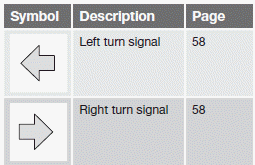
Indicator and warning symbols
Other information symbols
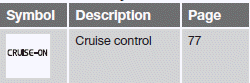
Information symbols in the center console display
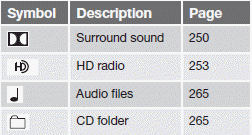
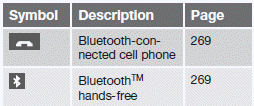
Information symbols in the ceiling console
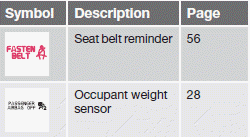
See also:
Fault tracing and actions
If the message Windscreen Sensors
blocked is displayed, this means that the camera
is obscured and cannot detect pedestrians,
vehicles or road marker lines in front of the
vehicle.
This, in t ...
Guiding lines
The lines on the screen are projected as if they were a path on the ground behind
the vehicle and are affected by the way in which the steering wheel is turned. This
enables the driver to see pa ...
Retractable power door mirrors
The mirrors can be retracted for parking/driving in narrow spaces:
1. Press down the L and R buttons at the same time.
2. Release them after approximately one second. The mirrors automatically stop ...