
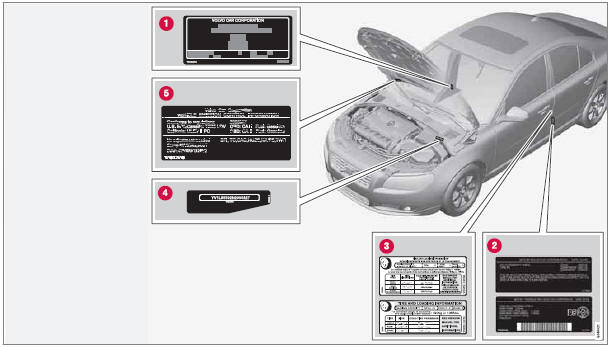
Location of labels

See also:
Compliance
FCC/IC common sentence
This device complies with Part 15 of FCC Rules and RSS-Gen of IC Rules. Operation
is subject to the following two conditions: (1) this device may not cause interference,
an ...
Trip computer
A READ (press to acknowledge/confirm/erase a message)
B Thumb wheel (used to scroll among the trip
computer menus)
C RESET
The trip computer stores information gathered
from several systems in ...
Optimal sound reproduction
The audio system is pre-calibrated for optimal
sound reproduction using digital signal processing.
This calibration takes into account factors such
as the speakers, amplifier, cabin acoustics, th ...