
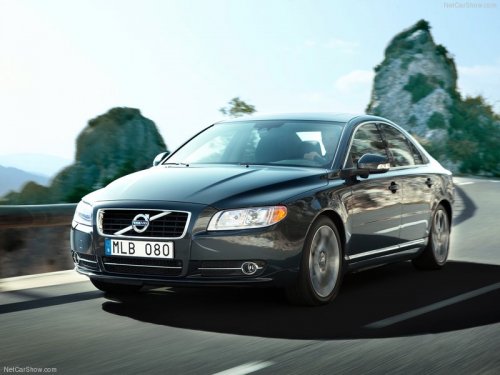
Volvo S80
Volvo S80
See also:
Trailer Stability Assist (TSA)
Trailer Stability Assist is a system designed to help stabilize a vehicle that
is towing a trailer when the vehicle and trailer have begun to sway and is part
of the Dynamic Stability and Traction ...
From inside the vehicle (central locking button)
Central locking button
The lock buttons on the door panel can be used
to lock or unlock all doors and the tailgate at
the same time. Press to lock and
to
unlock.
Unlocking
The vehicle ca ...
Removing the key blade
Removing the key blade
1 Slide the spring loaded catch to the side.
2 Pull the key blade straight out of the remote
key. ...