
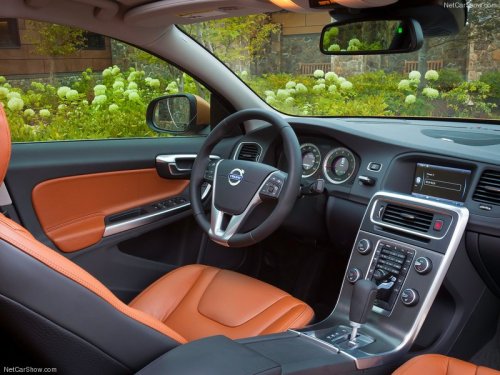
Volvo S60
Volvo S60
See also:
Handling
• Check that the battery cables are correctly
connected and tightened.
• Never disconnect the battery when the
engine is running (for example, when
replacing the battery).
• If the battery is ...
Opening the tailgate
To open the upper section of the tailgate, pull
the handle downward.
To fold down the lower section of the tailgate,
pull handle upward. ...
Operation
Rearview mirror with compass.
The rearview mirror has an integrated display
that shows the compass direction in which the
vehicle is pointing. Eight different directions are
shown with the ab ...