
Gallery
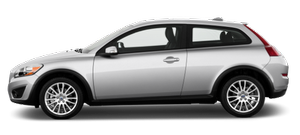

|

|

|

|

|
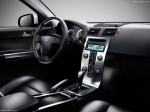
|
See also:
Replacing fuses
There are relay/fuse boxes located in the
engine compartment, the passenger compartment,
and the cargo area.
If an electrical component fails to function, this
may be due to a blown fuse. The e ...
Making a call
1. Ensure that is shown at the top
of the center console display and that the handsfree function is in telephone mode.
2. Dial the desired phone number using the center console keypad or use the s ...
About this manual
Before you operate your vehicle for the first time, please familiarize yourself
with the information found in the chapters "Your Driving Environment" and "During
Your Trip.&quo ...