
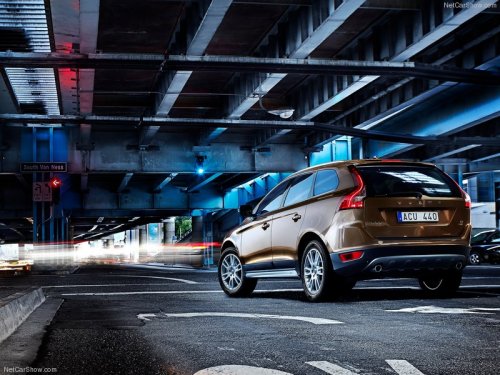
Volvo XC60
Volvo XC60
See also:
Warranty
As you'd expect, the Volvo V50 Sportswagon is supported by a comprehensive
warranty. The standard mechanical warranty is three years/60,000 miles
(whichever comes first), plus there's a three-year ...
C30 in the Market
I enjoyed my time in the C30, and the more I drove it the more I liked it.
The good visibility and decent power (when using the manual shift feature) were
the highlights. The downsides are its lim ...
Selecting a station (in wavebands AM/ FM1/FM2)
Automatic tuning
1. Press RADIO. Continue pressing this button to toggle to the desired waveband
(AM, FM1, etc.).
2. Release the button and wait several seconds or press OK/MENU.
3. Press the lef ...