
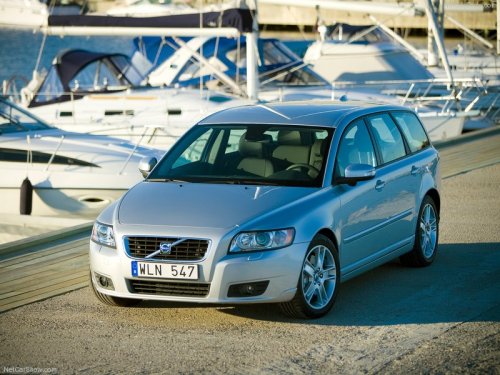
Volvo V50
Volvo V50
See also:
Buttons on the remote
Lock – Press
the Lock button on the
remote once to lock all doors and the tailgate.
The turn signals will flash once to confirm locking.
Unlock –
Press the Unlock button on the
remote once ...
Hazard warning flashers
Location of the hazard warning flasher button
The hazard warning flasher should be used to
indicate that the vehicle has become a traffic
hazard.
To activate the flashers, press the button
i ...
Engine compartment, overview
The appearance of the engine compartment may vary depending on engine model.
Coolant expansion tank
Power steering fluid reservoir
Engine oil dipstick
Radiator
Filler cap for engine oil
...