
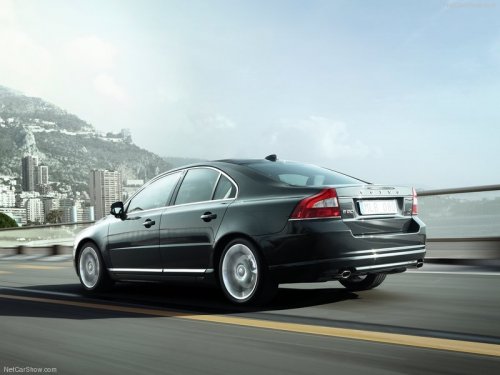
Volvo S80
Volvo S80
See also:
Selecting a channel category
1. Turn TUNE to display a list of channels.
2. Press EXIT.
3. Turn TUNE to scroll through the list of categories
and press OK/MENU to make a
selection.
> The channels in the selected categor ...
Interior
Seating either five or seven people, the XC90 has a 40/20/40-split second-row
bench. With the seven-passenger configuration, a child booster seat in the
second row can slide forward, nearly betwee ...
Scan
This function plays the first ten seconds of each track/audio file. To start
scanning:
1. Press OK/MENU.
2. Turn TUNE to Scan.
> The first ten seconds of each track/ audio file will be played. ...