
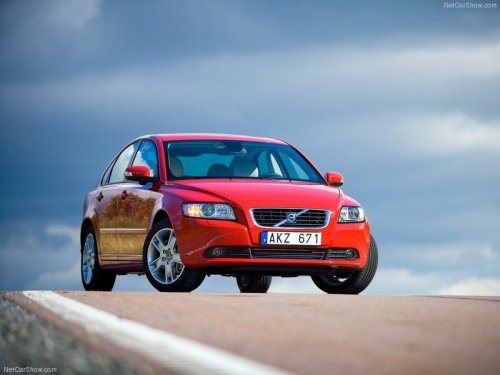
Volvo S40
Volvo S40
See also:
Points to keep in mind
• Do not export your Volvo to another country
before investigating that country's
applicable safety and exhaust emission
requirements. In some cases it may be difficult
or impossible to comply wit ...
Power windows
Driver's door control panel
1 Switch for power child safety locks* and
disengaging rear power window buttons,
see page 52
2 Rear window controls
3 Front window controls.
WARNING
• Always re ...
Top tether anchors
Top tether anchorage points
Your vehicle is equipped with child restraint top
tether anchorages in all second row seat positions
(second-row seats only in 7-seat models).
Using the top tether an ...