
Auto-brake
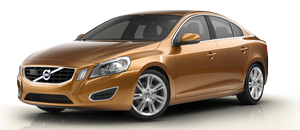
If a collision is imminent and the driver has not applied the brakes or begun to steer around the vehicle or pedestrian, the auto-brake function is activated without the driver pressing the brake pedal. Full brake force is applied to help reduce the vehicle’s speed when the collision occurs or limited brake force is applied if this is sufficient to avoid the collision.
 NOTE
NOTE
The auto-brake and brake support functions are always on and cannot be turned off.
See also:
Symbols and messages in the display
...
Interior
The standard upholstery in the five-occupant interior has a slightly coarse
woven feel said to be inspired by sportswear. Leather upholstery is available.
Volvo says storage space is improved both ...
Under the glove compartment
boxes.
1. Press the cover's lock and fold it up.
2. The fuses are accessible.
Positions-fuse box A
Positions-fuse box B
...